See the family’s day at once
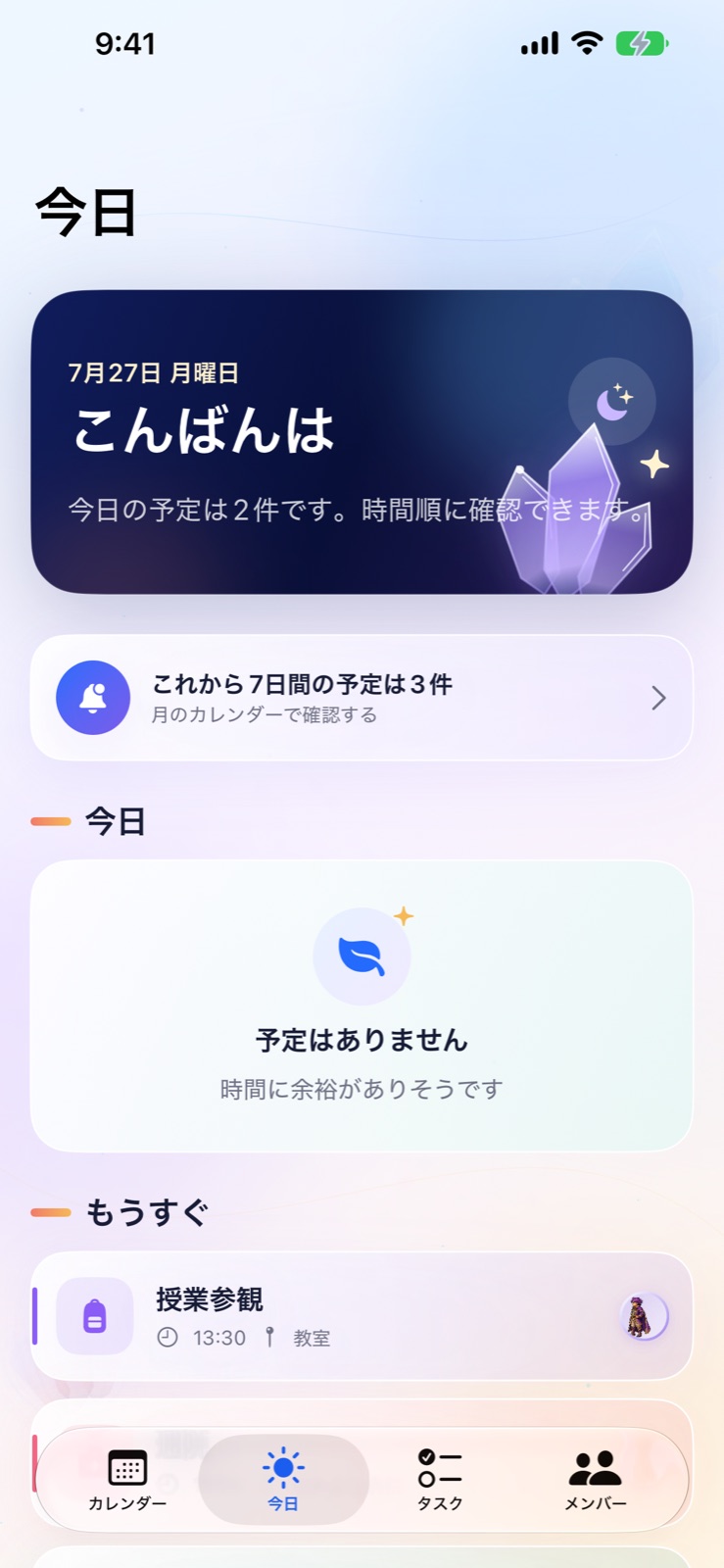
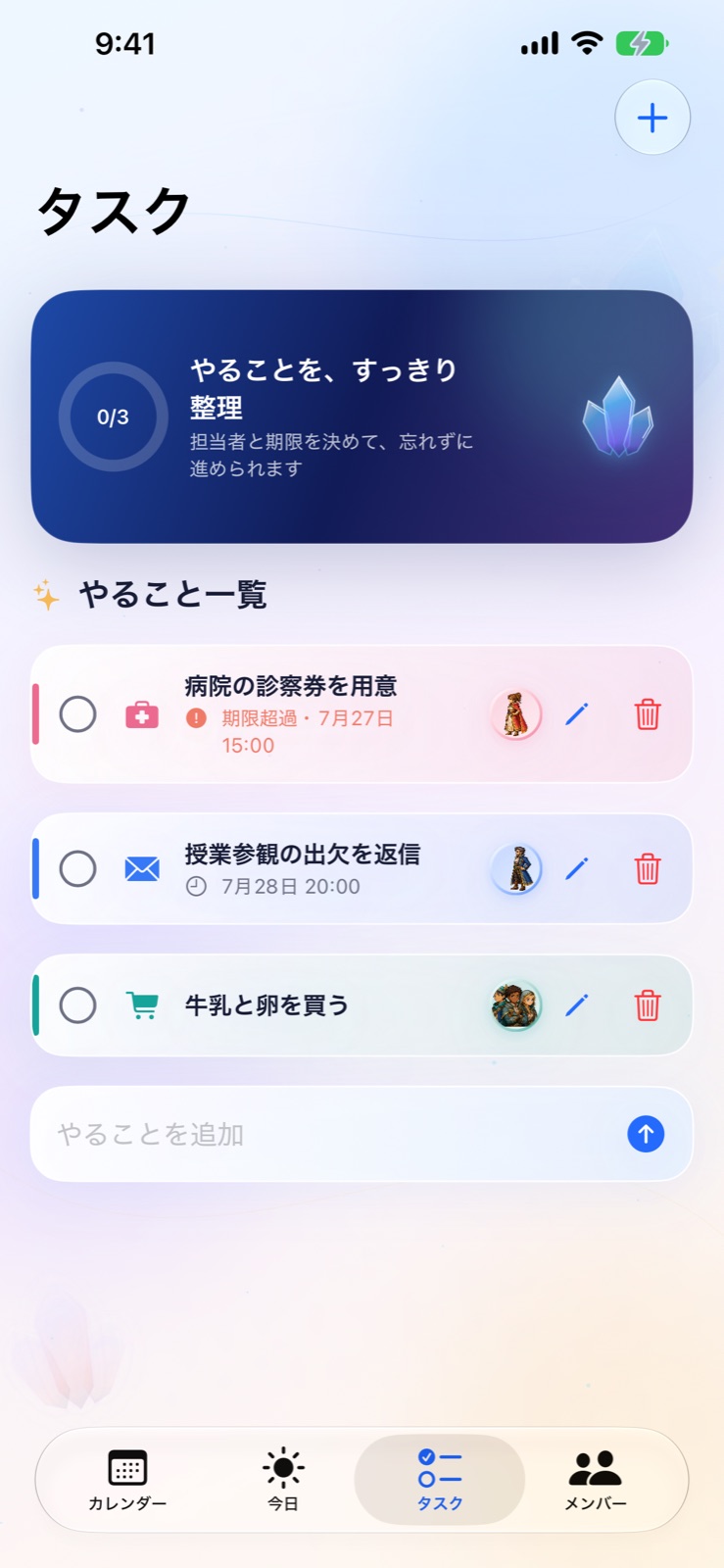
Bring today’s events and urgent tasks into one view. Filter by assignee and complete a task with one tap.
A family calendar for Apple devices
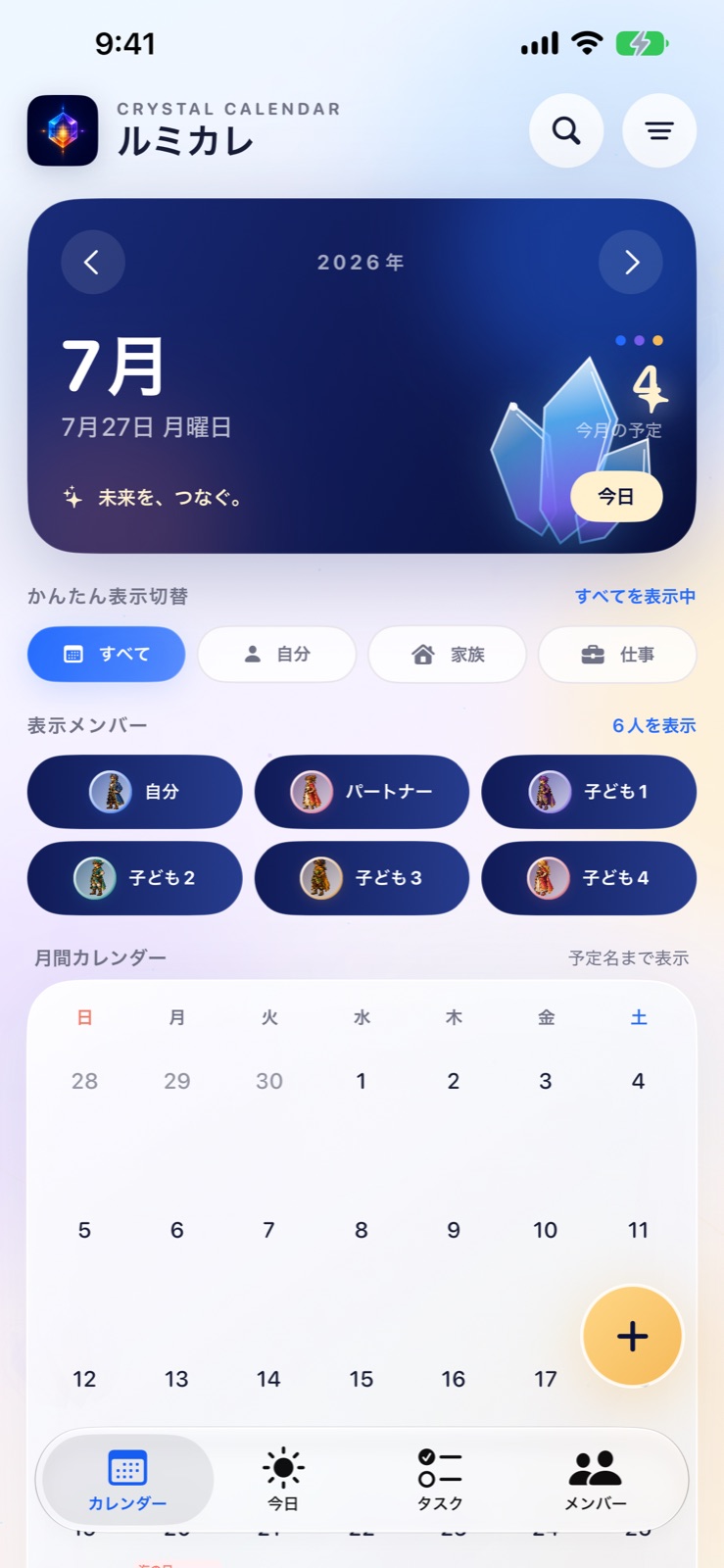
Organize each person’s events and tasks in month view and Family Today. Turn school handouts, photos, and PDFs into ready-to-review suggestions.
Core events and tasks are free · 3 schedule scans per month included
iPhone · iPad · Mac · Apple Watch / Japanese & English / In-App Purchases
App screens shown in Japanese
Free to startCore calendar and task features
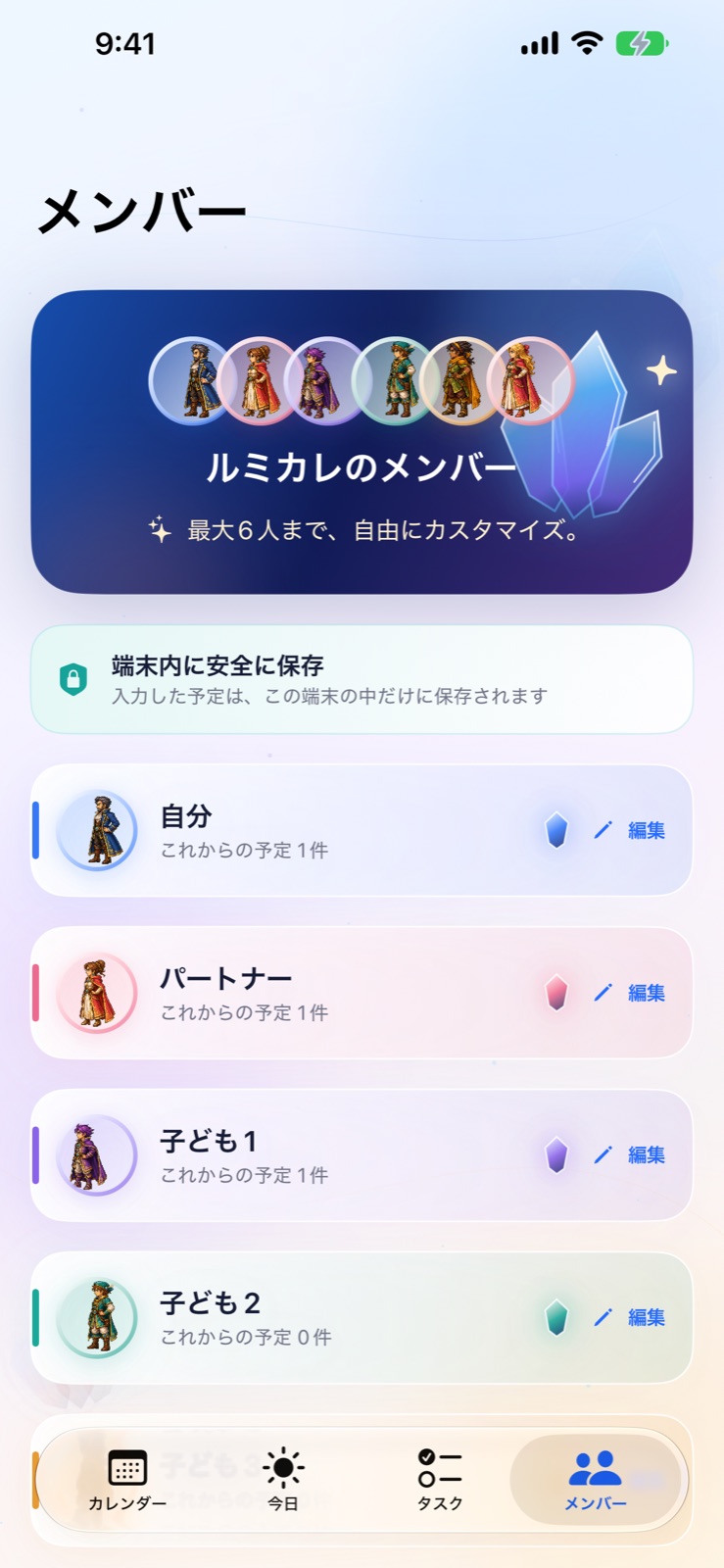
Up to six peopleFilter by person or category
On-device scanningImages are not sent to our server
Made for AppleiPhone, iPad, Mac, and Watch
MADE FOR EVERY DAY
LumiCal connects the moment a schedule arrives with the moment your family gets it done.
Bring today’s events and urgent tasks into one view. Filter by assignee and complete a task with one tap.
Process photos and PDFs on device to suggest events, deadlines, and things to bring. Add only what you approve.
Switch between a month view with event titles and a date-by-date list designed to remain readable at larger text sizes.
Choose sample data during setup to explore LumiCal immediately, then remove it whenever you are ready.
THE EXPERIENCE
Every detail is designed to make busy family days easier to see and manage.
Color-code calendars for up to six people. Event titles stay visible in month view, and quick filters let you focus on any person or category.
Images are never sent to the developer’s server.
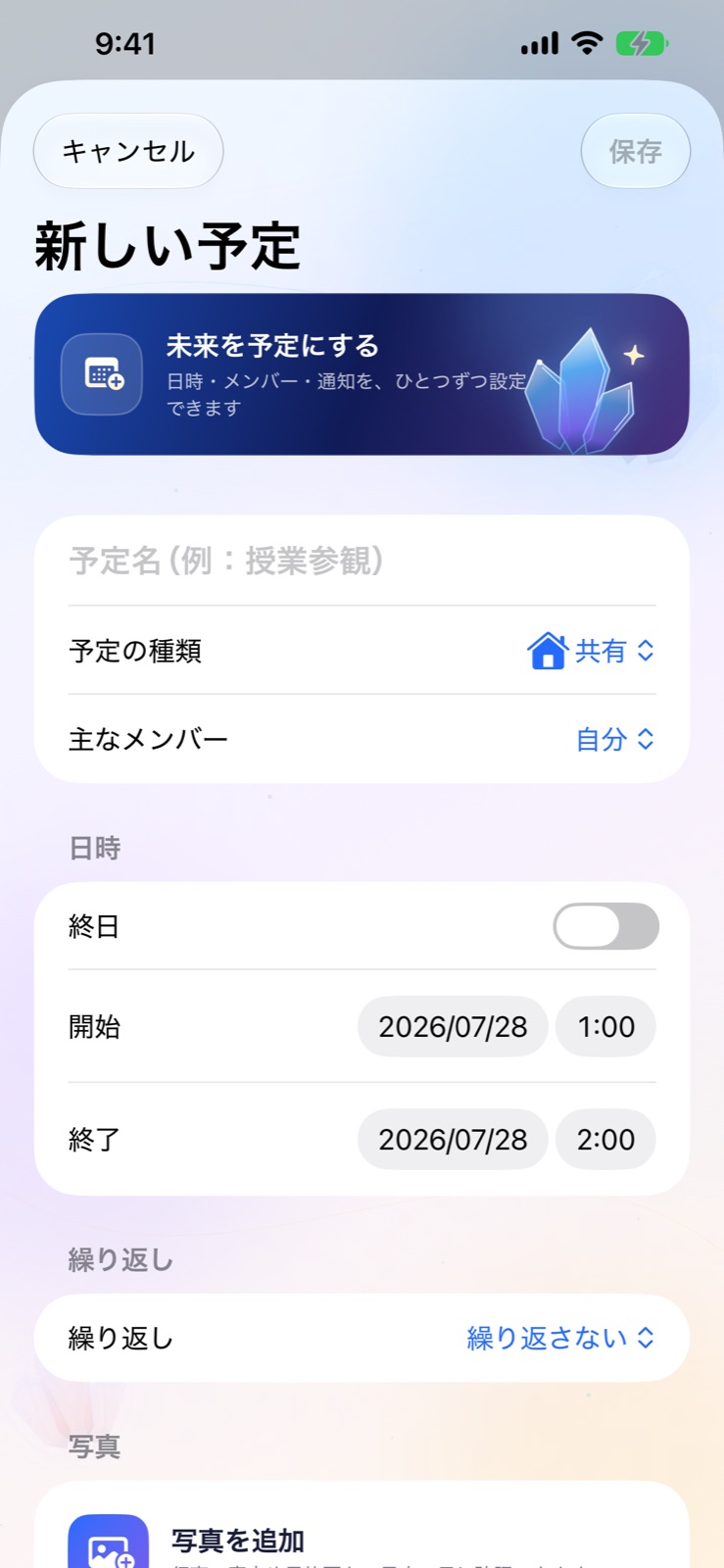
Process a school calendar, photo, PDF, or document from the share sheet right on your device. Review suggested events, deadlines, and things to bring, then add only what you choose.
Family Today brings today’s events and urgent tasks into one view. Filter by assignee and complete a task with one tap, so forms and errands stay connected to the plan.
FREE TO START
No separate LumiCal account is required. Explore with sample data first, then add your own plans when you are ready.
30-SECOND TOUR
Take a quick look at calendars, members, tasks, and LumiCal Pro using actual app screens.
Includes audio · Does not autoplay · App shown in JapanesePRIVACY BY DESIGN
Only the information you need is stored, and only where it needs to be.
Start using LumiCal without registering an email address or creating a separate password.
LumiCal processes schedule images on your device. They are never sent to the developer’s server for scanning.
LumiCal uses no advertising, analytics, or third-party tracking SDKs.
Events, tasks, and member names are saved to Apple CloudKit only when you turn on iCloud sharing.
Without iCloud sharing, events, tasks, member names, and photos stay on your device. When sharing is enabled, only events, tasks, and member names sync through CloudKit. Event photos and member images remain on each device.
Read the Privacy PolicyLUMICAL PRO
Core calendar and task features stay free. Pro is there for people who scan schedules more often.
¥0
Monthly ¥300 / Yearly ¥2,400
Prices shown are for the Japanese App Store as of August 29, 2026. Final pricing and currency may vary by country or region and will be shown before purchase.
OUR STORY
LumiCal began when a father of four set out to solve the scheduling problems he faced at home. Between school, appointments, work, and activities, it can be hard to see who has what coming up.
SchoolImportant dates slip through the cracks
AppointmentsCheckups and vaccinations overlap
WorkWork and family plans get tangled
Data entryAdding paper schedules one event at a time

Need more help or found a problem? Contact LumiCal Support.
Contact us by emailYes. During setup, you can add sample data and immediately explore the month calendar, today’s events, and tasks. You can remove the sample data at any time in Settings.
No. You can start using LumiCal without creating a separate account. An Apple Account and iCloud Drive are only required if you choose to use iCloud sharing.
Yes. When you turn on iCloud sharing, you can invite someone from the Members screen with a QR code or invitation link. Everyone you invite needs iCloud and LumiCal.
Yes. Free includes up to three scans per month. Pro removes the limit and lets you scan multiple pages together.
LumiCal supports iPhone and iPad running iOS or iPadOS 18 or later, Mac running macOS 15 or later, and Apple Watch running watchOS 11 or later. The app is available in Japanese and English. On Apple Watch, you can view upcoming events and incomplete tasks.

CRYSTAL CALENDAR
Free to start on iPhone, iPad, Mac, and Apple Watch.
Free to downloadDownload on the App Store